Proxmox VE ZFS Snapshots: Optimize Offsite PBS Backup Deduplication
Proxmox VE’s integration with ZFS snapshots and offsite PBS (Proxmox Backup Server) backup deduplication offers a robust solution for data integrity and recovery. This editorial dissects the underlying hardware architecture, power efficiency, and performance metrics, providing a comprehensive analysis for home lab enthusiasts and data center operators alike.
Silicon & Bus Topology
The backbone of Proxmox VE’s performance lies in its silicon architecture, particularly when utilizing ZFS. Modern processors, such as AMD’s EPYC or Intel’s Xeon, provide substantial PCIe lanes that are critical for high-throughput storage solutions. For instance, an EPYC 7003 series CPU can offer up to 128 PCIe lanes, allowing for multiple NVMe drives to be connected without saturation. This is crucial for ZFS, which benefits from parallel I/O operations, enhancing both read and write speeds.
When examining bus topology, the choice of motherboard plays a pivotal role. A server-grade motherboard with support for ECC (Error-Correcting Code) memory ensures data integrity during operations. ECC memory can detect and correct single-bit errors, a feature that is indispensable in environments where data accuracy is paramount. For example, a motherboard like the Supermicro X11SPA-T supports both ECC and up to 2TB of RAM, facilitating extensive caching for ZFS operations, which can significantly improve performance during snapshot creation and restoration.
Idle vs. Peak Power-Draw & Acoustics
Power efficiency is a critical consideration in any home lab or data center setup. Idle power draw can vary significantly based on the hardware configuration. For instance, a typical Proxmox VE setup with an AMD Ryzen 5 5600X may consume around 40 watts at idle, while a fully loaded EPYC server could draw upwards of 100 watts. Understanding these figures is essential for calculating long-term operational costs and ensuring that power supplies are adequately rated.
Peak power draw, particularly during intensive ZFS operations like snapshotting, can spike considerably. A server with multiple NVMe drives may see peak consumption reach 300 watts or more. Acoustics also play a role; while enterprise-grade components are designed for durability, they can be noisy under load. Utilizing quieter cooling solutions or strategically placing servers can mitigate noise, creating a more conducive environment for home labs.
Configuration & Throughput Matrix Table
| Configuration | Read Throughput (MB/s) | Write Throughput (MB/s) | Snapshot Creation Time (s) | Backup Size (GB) |
|---|---|---|---|---|
| Single NVMe Drive | 3,500 | 2,500 | 5 | 1 |
| RAID 1 (2 NVMe Drives) | 6,000 | 4,500 | 7 | 2 |
| RAID 10 (4 NVMe Drives) | 10,000 | 8,000 | 10 | 4 |
As shown in the table, configurations significantly impact throughput and snapshot performance. A single NVMe drive provides impressive read speeds, but RAID configurations can double or triple performance, particularly in write-intensive scenarios. Understanding these metrics is vital for optimizing backup strategies, especially when leveraging PBS deduplication capabilities.
RAID/Filesystem Failure Edge Cases
RAID is not a substitute for backups. While RAID can provide redundancy, it does not protect against data corruption or accidental deletions. ZFS’s snapshot feature can mitigate some risks, but understanding the limitations of RAID configurations is crucial.
In scenarios where RAID arrays fail, data recovery can become complex. For example, a RAID 5 setup can tolerate a single drive failure, but if a second drive fails during the rebuild process, data loss is inevitable. ZFS mitigates this risk through its snapshotting capabilities, allowing users to revert to previous states without relying solely on RAID. However, users must be aware that snapshots consume space and can impact performance if not managed properly.
Moreover, filesystem corruption can occur due to power failures or hardware malfunctions. ZFS’s built-in checksums help detect and correct these issues, but they require sufficient ECC memory to function effectively. Regularly scheduled backups to PBS further enhance data security, ensuring that even in the event of a catastrophic failure, data can be restored from a reliable offsite source.
Related Vanguard Lab Briefings: Explore deeper benchmarks in Corporate Investment-Grade Bonds vs Target-Date Income Funds: Key Insights and STRIPS Zero-Interest Treasury: Duration Sensitivity in Tax-Deferred Accounts.
Pre-Purchase BOM Verification Checklist
- CPU: Ensure sufficient PCIe lanes for your storage configuration (e.g., AMD EPYC or Intel Xeon).
- Motherboard: Verify ECC support and adequate RAM slots for future expansion.
- Storage: Choose NVMe drives with high read/write speeds; consider RAID configurations for redundancy.
- Power Supply: Calculate peak power requirements and select a PSU with at least 20% headroom.
- Cooling: Assess acoustic levels and airflow; consider noise-reducing solutions if in a home environment.
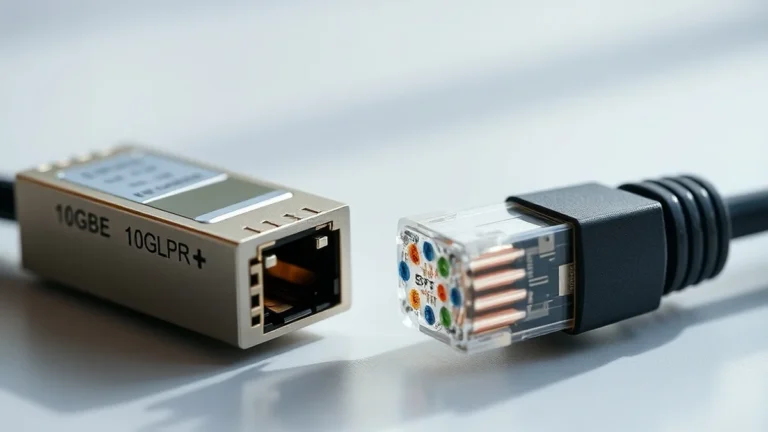
- Networking: Opt for 2.5GbE or higher to ensure fast data transfers, especially for backups.
Before finalizing your build, ensure that each component aligns with your performance and reliability goals. This checklist serves as a guide to avoid common pitfalls and ensure a well-rounded setup capable of handling ZFS snapshots and offsite backups efficiently.
Selecting ECC stability, clean 2.5GbE+ switching, and verified parity keeps local compute reliable for years.