Mini PC Nodes Under 10 Watts: Ideal for 24/7 Self-Hosting
Low-idle-wattage mini PC nodes under 10 watts are emerging as viable solutions for 24/7 self-hosting, particularly for home labs and small server environments. These systems often feature multiple PCIe lanes, limited ECC support, and specific bottleneck characteristics that impact overall performance. This editorial dissects the architecture, power dynamics, and practical configurations of these low-power nodes.
Silicon & Bus Topology
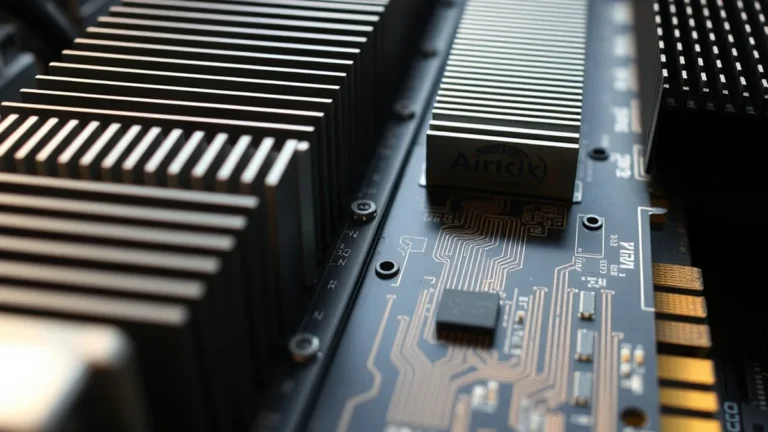
Low-idle-wattage mini PCs typically utilize energy-efficient processors such as Intel’s Atom or AMD’s Ryzen Embedded series. For instance, the Intel Atom x6000 series, built on a 10nm process, offers a TDP of around 6 watts while providing up to 8 PCIe lanes. This configuration allows for flexible expansion options, albeit with limited throughput compared to higher-end CPUs. In contrast, AMD’s Ryzen Embedded V1000 series, while slightly more power-hungry at around 12 watts, provides superior performance with up to 16 PCIe lanes, making it a strong contender for more demanding applications.
Bus topology plays a crucial role in determining data transfer efficiency. The PCIe lanes in these systems can be configured in various ways, affecting bandwidth allocation. For example, a system with 8 PCIe lanes can support multiple NVMe SSDs, but the actual throughput will be limited by the bus architecture. A typical PCIe 3.0 lane offers a maximum bandwidth of 1 GB/s, meaning that a fully populated system could theoretically reach 8 GB/s, though real-world performance often falls short due to overhead and contention.
Idle vs. Peak Power-Draw & Acoustics
Power consumption is a critical metric for evaluating low-idle-wattage mini PCs. Systems like the Intel NUC 11 Performance Mini PC can idle at around 5 watts, while peak power draw can reach up to 35 watts under load. This disparity highlights the importance of efficient power management, especially for 24/7 operations. By utilizing features like Intel SpeedStep or AMD Cool’n’Quiet, users can optimize their systems for lower idle consumption without sacrificing performance during peak workloads.
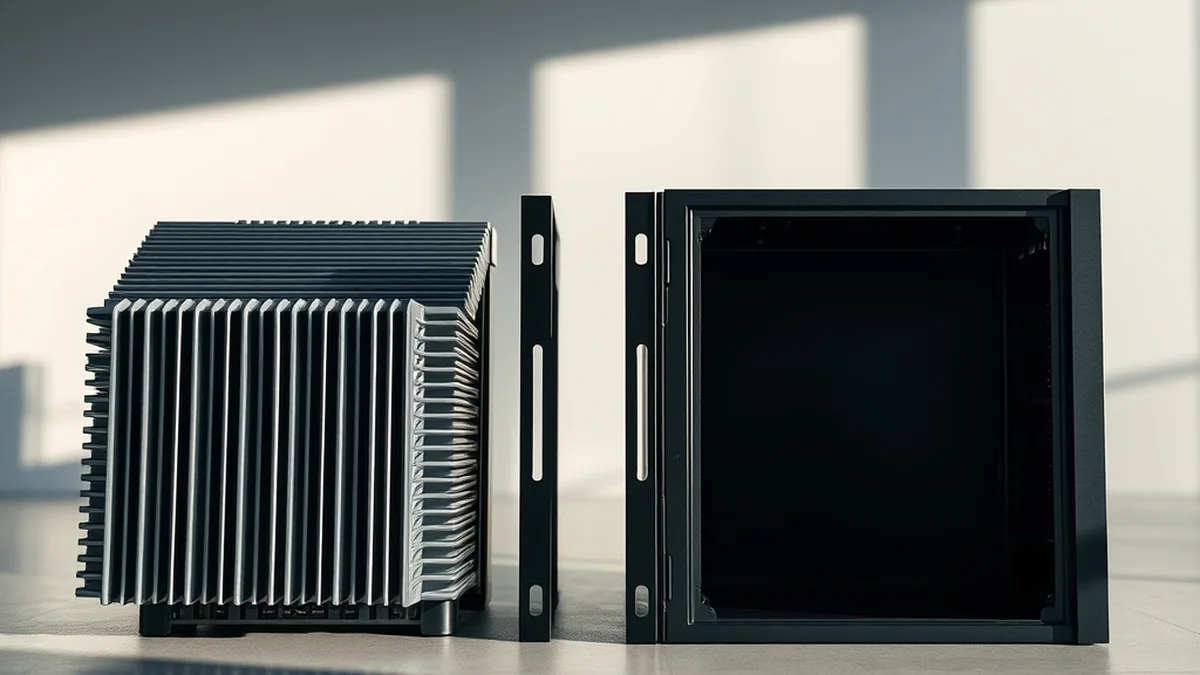
Acoustics also play a significant role in the usability of these systems. Many low-power mini PCs are designed with passive cooling solutions or low-noise fans, ensuring that operational noise remains below 30 dB at idle. For example, the ASUS PN50 Mini PC operates silently under low loads, making it suitable for home environments. However, users should be aware that peak loads can increase fan noise significantly, often reaching levels above 40 dB, which may be disruptive in quiet settings.
Configuration & Throughput Matrix Table
| Model | Idle Wattage | Peak Wattage | PCIe Lanes | ECC Support | Max Storage |
|---|---|---|---|---|---|
| Intel NUC 11 | 5W | 35W | 8 | No | 2TB NVMe |
| AMD Ryzen V1000 | 6W | 40W | 16 | Yes | 4TB NVMe |
| Raspberry Pi 4 | 3W | 7W | 0 | No | 1TB microSD |
This table illustrates the trade-offs between idle power consumption, peak wattage, and available PCIe lanes across several popular models. The AMD Ryzen V1000 series stands out for its ECC support and higher PCIe lane count, making it more suitable for data integrity and expansion. In contrast, the Intel NUC 11 offers a balance of performance and power efficiency, although it lacks ECC support, which may be a critical factor for some users.
RAID/Filesystem Failure Edge Cases
When configuring low-idle-wattage mini PCs for 24/7 self-hosting, understanding potential RAID and filesystem failure scenarios is crucial. For example, if a user opts for a ZFS RAIDZ2 configuration, the system must be equipped with sufficient ECC memory to handle data integrity checks. Failure to do so could lead to silent data corruption, particularly under heavy I/O loads. Conversely, using Unraid with its parity array can provide a more flexible solution, but users must ensure regular parity checks to mitigate risks of data loss.
Moreover, the choice of filesystem can significantly impact recovery options. For instance, ZFS offers built-in snapshots and replication features, which can be invaluable for disaster recovery. However, the overhead associated with these features can increase idle power draw, which is a consideration for low-wattage systems. Users must weigh the benefits of advanced filesystem features against their power consumption profiles to find the right balance for their needs.
Related Vanguard Lab Briefings: Explore deeper benchmarks in ZFS RAIDZ2 Storage Pools vs Unraid Parity Arrays: Which is Better? and 10GbE SFP+ Fiber Transceivers vs Cat6A Copper Run Power Consumption.
Pre-Purchase BOM Verification Checklist
- Confirm idle and peak power consumption specifications to ensure they meet your energy efficiency goals.
- Verify the number of PCIe lanes available for expansion and compatibility with desired peripherals.
- Check for ECC memory support if data integrity is a priority for your applications.
- Assess cooling solutions and noise levels to ensure suitability for your environment.
- Evaluate the maximum storage capacity and type (NVMe, SATA, etc.) based on your data requirements.
By following this checklist, potential buyers can ensure that their selected mini PC nodes align with their specific needs for self-hosting applications. Each component’s compatibility and performance characteristics should be scrutinized to avoid future bottlenecks or inefficiencies.
Selecting ECC stability, clean 2.5GbE+ switching, and verified parity keeps local compute reliable for years.